If you own a mobile home, you already know the drill: the yard isn’t huge, but it still needs mowing every week or two, and dragging out a push mower or riding mower for a quarter-acre lot starts to feel like overkill — especially in the summer heat.
Robot lawn mowers have been around for years, but the older ones came with a major catch: you had to bury a perimeter wire around your entire yard before they’d work. For mobile home owners, that’s a non-starter. You’re not digging up your yard for a lawn mower.
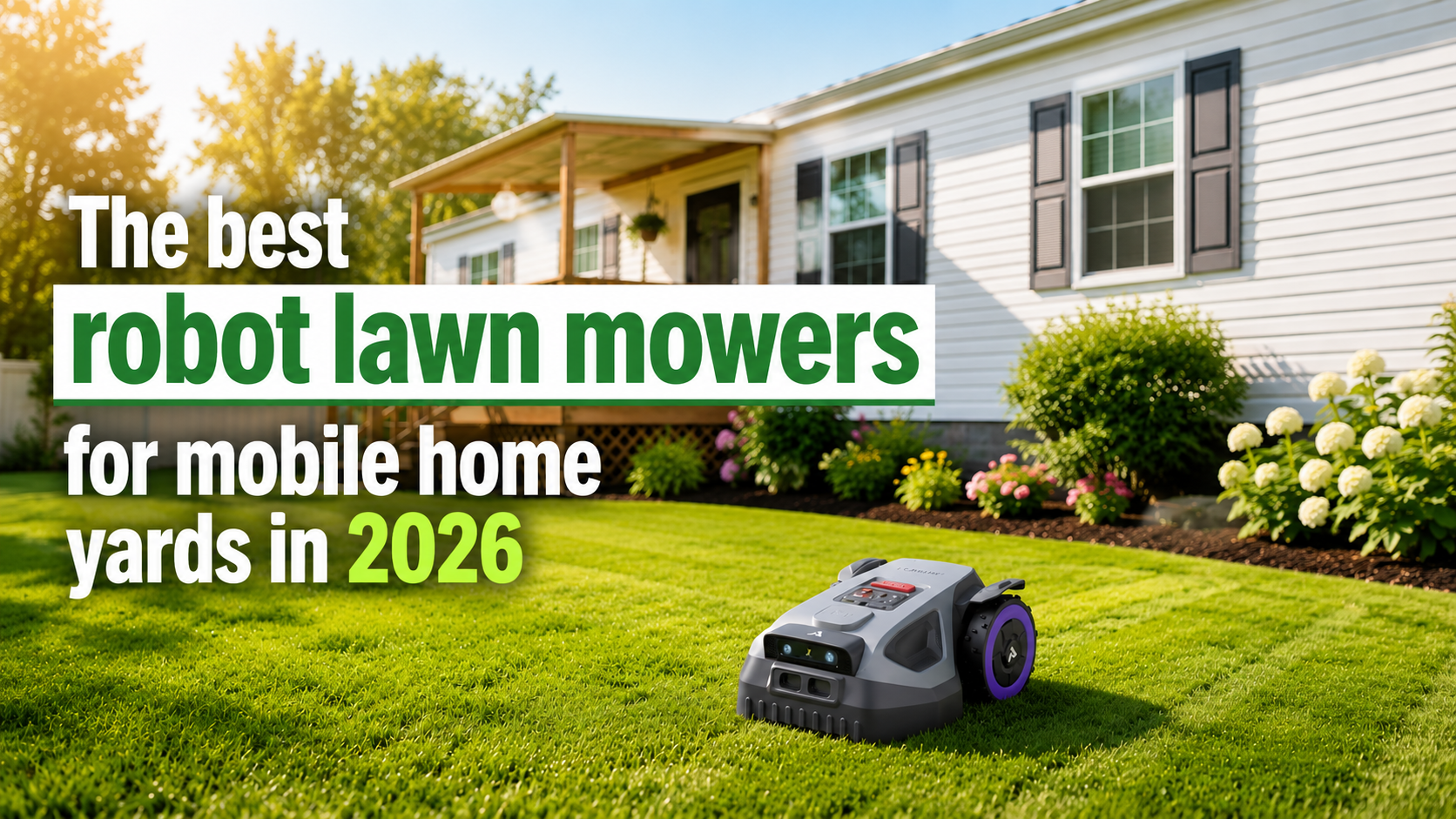
The good news: the new generation of wire-free robot mowers uses GPS-based RTK navigation and AI vision cameras to map your yard automatically — no wire, no boundary stakes, no professional installation. The two best options right now for mobile home yards are the ANTHBOT M5 and the ANTHBOT M9 — and this article breaks down exactly which one fits your yard size and situation.
Why Mobile Home Yards Are Perfect for Robot Mowers
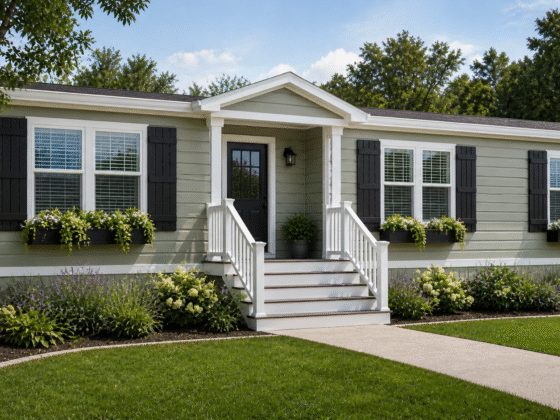
Most robot mower reviews are written for suburban homeowners with half-acre lots and manicured lawns. Mobile home yards are different — and honestly, those differences make robot mowers an even smarter fit:
- Smaller yard size. The average mobile home lot runs between 3,500 and 8,000 square feet — well within the operating range of compact wire-free mowers. You’re not paying for more machine than you need.
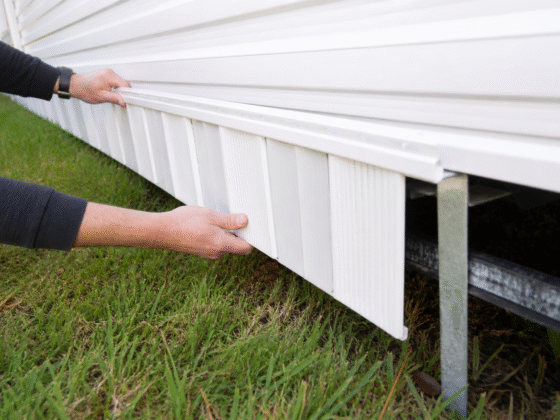
- Tight spaces and obstacles. Skirting panels, exterior steps, propane tanks, A/C units, utility connections — mobile home yards have more obstacles per square foot than most suburban lawns. New AI obstacle-avoidance handles all of these without you programming anything.
- Slopes near the foundation. Mobile homes are designed to have slight grade away from the structure for drainage. That gentle slope around the perimeter is no problem for a mower rated to 45% gradient.
- Time and convenience. Many mobile home owners are retirees or people managing a lot on their own. Not pushing a mower in August heat is a real quality-of-life improvement.
- Mobile home park rules. Many parks have appearance standards. A robot mower keeps grass consistently short on a schedule you set — no more scrambling before an inspection.
What to Look for in a Robot Mower for a Mobile Home Yard
Not all robot mowers are created equal. Here’s what actually matters for a mobile home yard specifically, and what to ignore:
| Feature | Why It Matters for Mobile Homes |
|---|---|
| No perimeter wire | You’re not digging trenches. RTK GPS navigation is the only acceptable technology for a mobile home yard. Full stop. |
| AI obstacle avoidance | Mobile home yards have more obstacles per square foot than most lawns — skirting, steps, meter boxes, garden hoses. Vision-based AI (not just bump sensors) is essential. |
| Slope rating of 35%+ | The graded drainage around a mobile home foundation can create 15–20% slopes at the edges. A 45% rating gives you a lot of headroom. |
| Compact body size | Can it fit between your skirting and the fence? Between A/C units and the wall? Look for a body under 20 inches wide. |
| App-based multi-zone control | Front yard, back yard, and side strip are separate zones. You want to set different schedules for each without complicated programming. |
| Quiet operation (under 60 dB) | Mobile home parks have close neighbors. A mower running at 58 dB is quieter than a normal conversation. That matters. |
| Auto-charge and resume | It should go back to its base when the battery runs low and pick up where it left off. Especially useful if you’re managing multiple zones. |
ANTHBOT M5 — Best for Small Mobile Home Yards (Up to 1/8 Acre)
The M5 is built specifically for compact yards, and it shows. The body measures just 19.6 × 15.4 inches, meaning it can squeeze through gaps as narrow as 27.6 inches — tight enough to get between most mobile home skirting and a fence or garden border. It maps your entire yard automatically in the ANTHBOT app in about 10 minutes, with no manual driving required.
The dual 150° HDR cameras feed a built-in AI that recognizes over 1,000 common garden objects — garden hoses, kids’ toys, pet bowls, outdoor furniture. It doesn’t just stop when it senses something; it identifies what it is and navigates around it intelligently. That kind of precision matters in a yard full of stuff close to a mobile home.

Image: Amazon.com · ANTHBOT M5
ANTHBOT M5 Robot Lawn Mower
1/8 Acre · Dual Vision + Full-Band RTK · No Perimeter Wire
✓ Pros
- 10-minute auto-mapping, no wire
- Fits through 27.6″ gaps
- Handles 45% slopes
- Whisper-quiet at 58 dB
- IPX6 rated for rain
- OTA software updates
- 30-day price protection
✗ Cons
- 0.15 acre max — tight for larger double-wide lots
- Ships in multiple packages
- No cutting on first mapping run
Who Should Buy the M5?
The M5 is the right call if your entire mowable yard — front, back, and side strip combined — is under 6,500 square feet. That covers the vast majority of single-wide mobile home lots and most smaller double-wide lots. If you’re in a mobile home park where the lots are close together and you’re working with a tight, irregular-shaped yard around the home’s perimeter, the M5’s compact body and 27.6-inch minimum passage width is going to be a genuine advantage.
The 10-minute mapping process is genuinely as simple as it sounds. Open the app, press Start Mapping, and the mower drives itself around your yard using the RTK reference station to build a precise centimeter-level map. No driving it manually, no walking the boundary yourself. When it’s done, you see your yard in the app and can draw zones, set no-go areas, and schedule mowing runs — all from your phone.
ANTHBOT M9 — Best for Larger Mobile Home Yards (Up to 1/4 Acre)
The M9 runs the same proven RTK + dual vision system as the M5 but with a larger coverage area — up to 0.3 acres in practice — making it the right fit for double-wide lots, corner lots, or any mobile home property where you have meaningful front and back yards to manage separately.
The same 1,000+ obstacle recognition, the same 45% slope handling, the same 58 dB quiet operation. The difference is capacity and the ability to run longer sessions without returning to base. For anyone managing two distinct yard areas — say, the street-facing front yard and a fenced back yard — the M9’s 20-zone management with seamless path planning between areas makes that effortless from the app.

Image: Amazon.com · ANTHBOT M9
ANTHBOT M9 Robot Lawn Mower
1/4 Acre · Dual Vision + Full-Band RTK · No Perimeter Wire
✓ Pros
- Covers up to 0.3 acres
- 4G connectivity — control anywhere
- 20-zone multi-area management
- Handles front + back yard separately
- Same 45% slope capability as M5
- IPX6 heavy-rain waterproof
- 30-day price protection
✗ Cons
- Slightly higher upfront cost
- Ships in multiple packages
- Overkill for very small lots
Who Should Buy the M9?
The M9 is the better fit if you have a double-wide mobile home, a corner lot, or a property where front and back yards are large or clearly separated. The 0.3-acre practical coverage means you can run front and back as separate zones on different schedules — say, front yard on Tuesday and Thursday, back yard on Monday, Wednesday, and Friday — without the mower running out of capacity.
The 4G connectivity is also a real differentiator. With the M5 you’re on WiFi and Bluetooth range. The M9 connects over 4G, meaning you can check mowing status, change schedules, or stop the mower from anywhere — useful if you leave for the day and realize you forgot to run a schedule before you left.
ANTHBOT M5 vs M9: Side-by-Side Comparison
| Specification | ANTHBOT M5 | ANTHBOT M9 |
|---|---|---|
| Listed Coverage | 1/8 Acre | 1/4 Acre |
| Max Practical Coverage | ~0.15 Acre (6,500 sq ft) | ~0.3 Acre (13,000 sq ft) |
| Navigation Technology | Dual Vision + Full-Band RTK | Dual Vision + Full-Band RTK |
| Perimeter Wire Required | ✓ No wire needed | ✓ No wire needed |
| Obstacle Recognition | 1,000+ types — Dual 150° HDR AI cameras | 1,000+ types — Dual 150° HDR AI cameras |
| Max Slope | 45% | 45% |
| Cutting Height Range | 1.2 – 2.7 inches | 1.2 – 2.7 inches |
| Number of Blades | 5 free-rotating blades | 5 free-rotating blades |
| Noise Level | ≤ 58 dB | ≤ 58 dB |
| Waterproofing | IPX6 | IPX6 |
| App Zones | Up to 20 | Up to 20 |
| Connectivity | WiFi + Bluetooth | 4G + WiFi + Bluetooth |
| Auto-Mapping Time | ~10 minutes | ~10 minutes |
| Min. Passage Width | 27.6 inches | 27.6 inches |
| Best For | Single-wide lots, small yards | Double-wide lots, larger yards |
🏆 Which One Should You Buy?
Buy the M5 if: Your total yard — everything you mow — is under 6,500 square feet. This covers most single-wide mobile home lots comfortably. The M5 is also slightly newer and has a more compact body, which is a genuine advantage in tight mobile home yards.
Buy the M9 if: You have a double-wide, a corner lot, or a yard with clearly separated front and back areas that together exceed 6,500 square feet. The 4G connectivity is also a meaningful plus if you travel or spend time away from home.
How to Set Up Your ANTHBOT Mower in a Mobile Home Yard
The entire setup process takes about 20–30 minutes on the first day, including unboxing. Here’s exactly what to expect:
- Place the charging base station. This is a small dock near a power outlet — ideally on a flat area of your yard near an exterior outlet or an extension cord run under the skirting. Place it somewhere the mower can easily return to without obstacles in the path.
- Mount the RTK reference station. This is a small antenna unit that mounts to the wall or a fence post. It communicates with GPS satellites and gives the mower centimeter-level positioning accuracy. Takes about 5 minutes to mount with the included hardware.
- Connect to the ANTHBOT app. Download the free app, add the mower, and follow the pairing steps. WiFi or Bluetooth for the M5; 4G setup for the M9 if you’re using that feature.
- Start Auto-Mapping. Hit the mapping button in the app. The mower drives itself around your yard, building a precise map in about 10 minutes. You watch it work — no input needed.
- Review and customize the map. When mapping is done, you see your yard in the app. Draw your zones, set any no-go areas around obstacles, and set your preferred cutting height.
- Set your schedule. Choose which days and times you want each zone mowed. The mower handles the rest automatically.
5 Tips for Getting the Best Results in a Mobile Home Yard
1. Place the RTK station on the highest point you can find
RTK stations need clear sky view to communicate with GPS satellites. Mount it on the highest fence post, an eave bracket, or even a wall mount on the side of your home. The higher the placement, the better the signal and the more consistent the mowing accuracy.
2. Set no-go zones around your skirting vents
The AI cameras will detect most obstacles, but it’s worth drawing explicit no-go zones in the app around any removable skirting panels or low-profile vents at ground level. The mower won’t damage them, but keeping it 6 inches away prevents any unnecessary contact.
3. Run on a frequent, light schedule rather than infrequent heavy cuts
Robot mowers cut a small amount every session rather than one big weekly mow. Program it to run 4–5 times per week during growing season for the best results. The grass stays consistently short, which actually improves the lawn’s health over time compared to the weekly scalp-and-let-it-grow cycle of a traditional mower.
4. Clear yard toys and garden hoses before the first mow of the day
The obstacle avoidance is excellent, but it’s designed to go around obstacles — not to wait for you to move them. If a hose is left across the yard, the mower will route around it and leave a strip unmowed. A quick 2-minute walkthrough before the day’s first run eliminates any gaps in coverage.
5. Use the rainy-day scheduling feature
Both the M5 and M9 support weather-based scheduling through the app. Set it to skip mowing when it’s raining, and resume the next clear day. Grass grows fastest after rain, so having the mower automatically run on the day after a rain event keeps the lawn from getting ahead of it.
Frequently Asked Questions
Final Verdict
The robot lawn mower market went through a major shift when wire-free RTK navigation became reliable and affordable. What used to require professional installation and $1,500+ now fits in a box, sets up in 10 minutes, and works better than the old wired systems ever did.
For mobile home yards specifically, ANTHBOT’s M5 and M9 hit the right combination of compact size, serious obstacle avoidance, and yard coverage. The 27.6-inch minimum passage fits through the tight spots that typically trip up bigger mowers. The 45% slope rating handles anything a mobile home yard will throw at it. And at 58 dB, you won’t be the neighbor with the loud mower going at 7am.
Pick the M5 for a single-wide or small lot. Pick the M9 for a double-wide, corner lot, or any yard with separated front and back areas. Either way, you’re done pushing a mower in the heat.
Disclosure: This article contains affiliate links. If you purchase through our links, we may earn a small commission at no extra cost to you. We only recommend products we genuinely stand behind.